Company Blog

Technical Insights · Product Updates · Industry News

Images & Texts

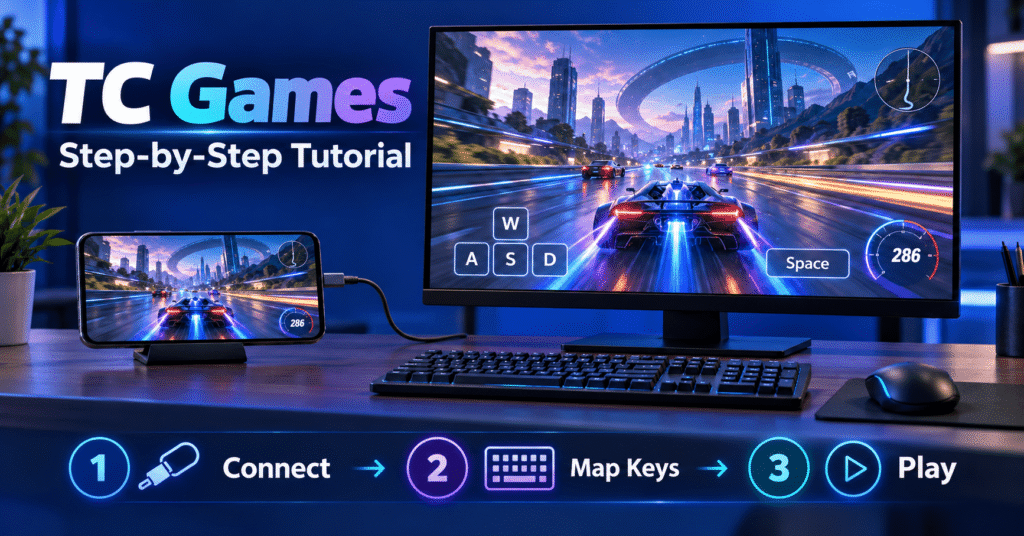
TC Games Step-by-Step Tutorial

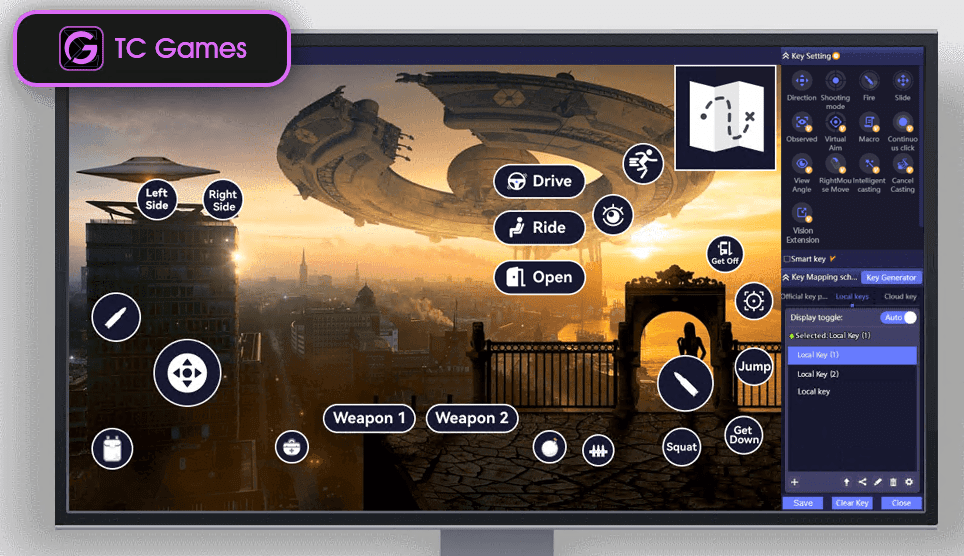
Play Android Mobile Games on Your PC with Keyboard & Mouse Before You Start You need: a Windows PC, an Android phone (Android 6.0 or above), and the original USB data cable (a charge-only cable will not work). The USB connection is recommended first because it has the lowest latency.…
TC Games

Images & Texts

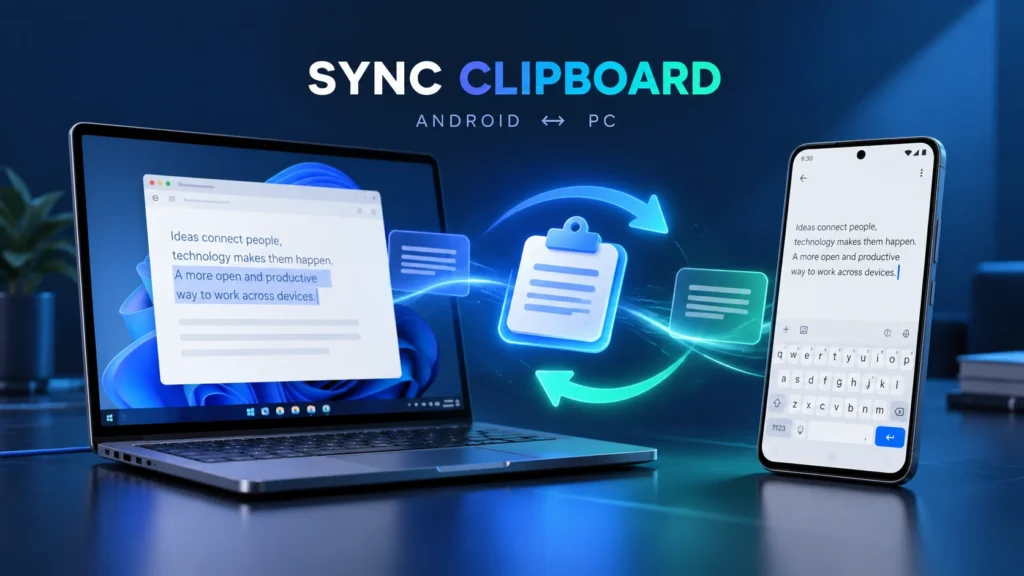
Sync Clipboard Android

How to copy and paste between an Android phone and a Windows PC with Total Control Copying a link on your computer and sending it to an Android app should not require emailing it to yourself. The same is true when you find an address, message, or product detail on…

Total Control

Images & Texts

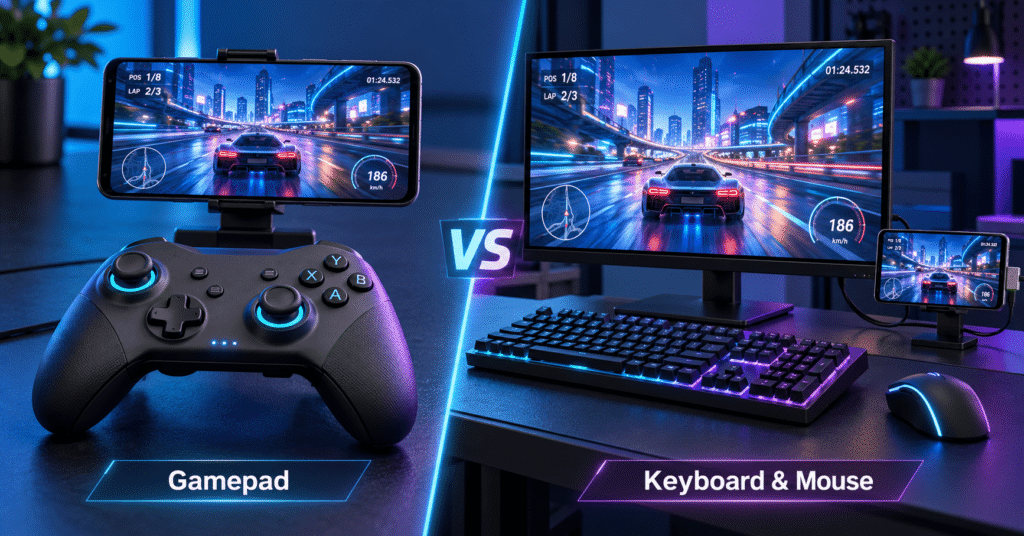
Android Game Controller: Gamepad or Keyboard and Mouse?

An Android game controller usually means a physical gamepad that connects to a phone through Bluetooth or USB. If you prefer playing at a desk, another option is to display your Android game on a Windows PC and use keyboard and mouse controls through TC Games. The right setup depends…

TC Games

Images & Texts

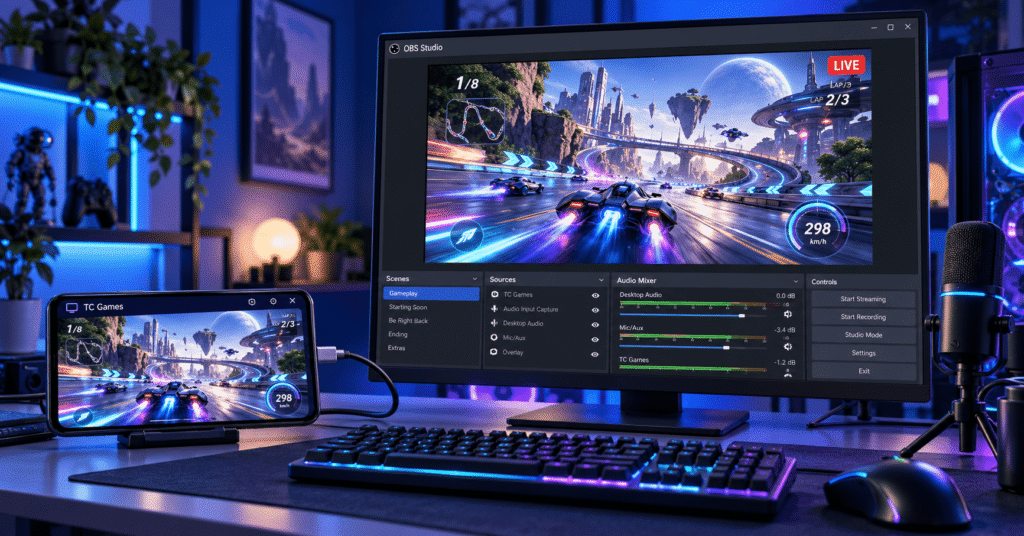
How to Stream Mobile Games on PC with TC Games and OBS

To stream mobile games on PC, first display your Android phone’s gameplay on your computer, then capture that window in OBS Studio and connect OBS to your streaming platform. With TC Games, the game continues running on your phone while its screen appears on your Windows PC. This setup gives…

TC Games

Images & Texts

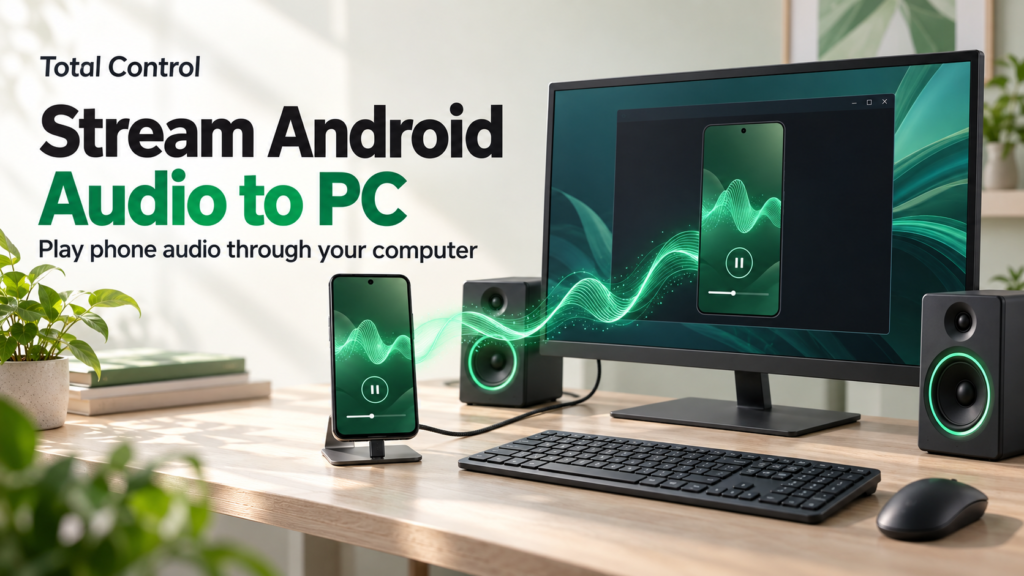
How to Stream Android Audio to PC with Total Control

To stream Android audio to PC with Total Control, connect your phone, enable its volume controls, and start Software Audio Transmission. Supported media sound then plays through your computer while you operate the Android screen with your mouse and keyboard. You need Professional and Android 10 or later; Android 12…

Total Control

Images & Texts

Vysor Alternative for Windows and Multiple

A useful Vysor alternative should fit the way you work with Android. For one phone, that might mean straightforward screen mirroring and keyboard input. For several phones, it might mean seeing every screen together, sending the same text to selected devices, or installing an app across a group. Total Control…

Total Control

Images & Texts

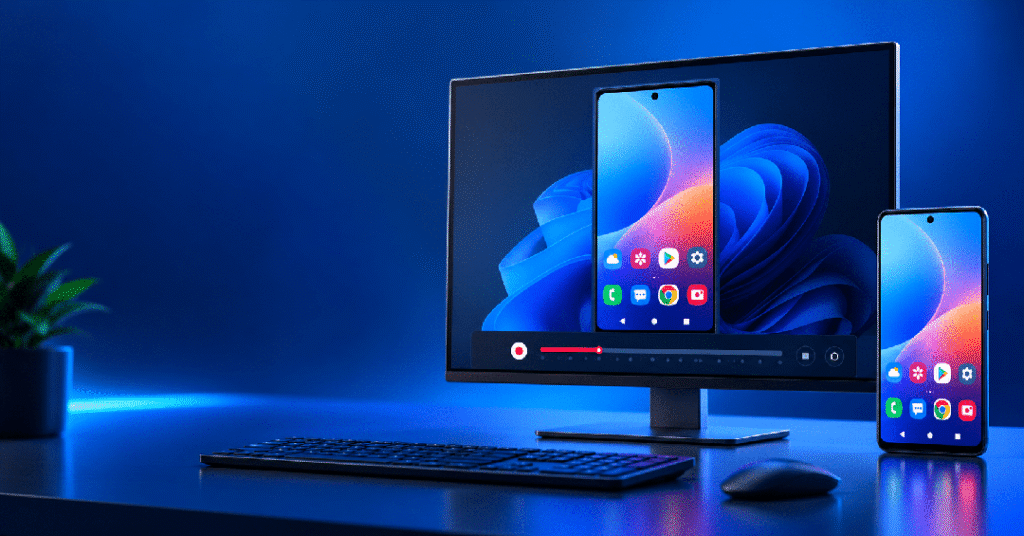
Record Android Screen on PC

If you want to record Android screen on PC, there are two common approaches: record directly on the Android phone, or display the Android screen on Windows and record from the PC. If the video will eventually be used on a computer—for example, for app tutorials, bug reports, product demos,…

Total Control

Images & Texts

Remote Access Android Phone

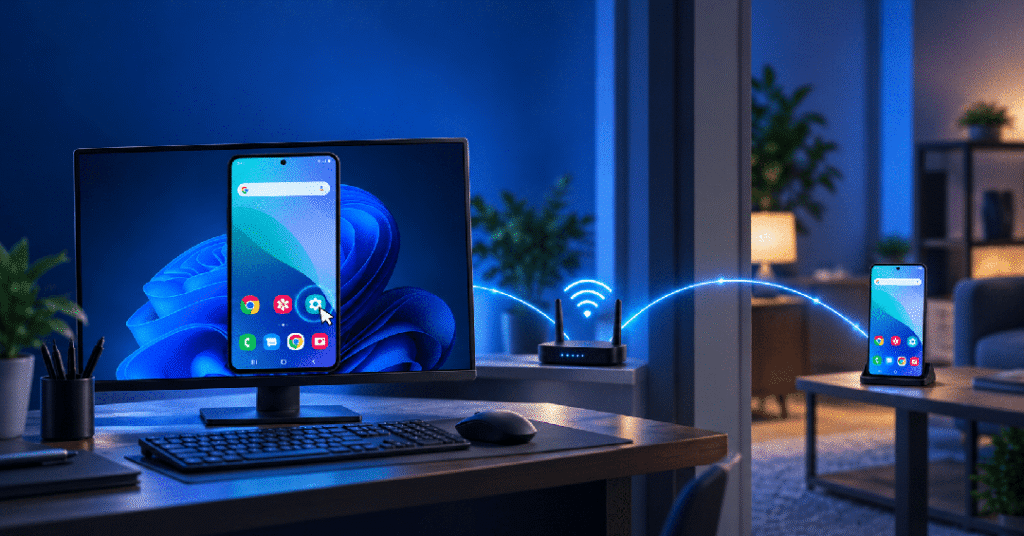
If you search for remote access Android phone, you may simply want to view your Android screen on a computer and control the phone with a mouse and keyboard. This does not always mean accessing a phone over the public Internet. With Total Control, an Android device can be accessed…

Total Control

Images & Texts

How to Play Mobile Games on PC with Your Android Phone

Are you fed up with these frustrating mobile gaming moments? Today, were introducing a game-changing tool that solves all these pain points: TC Games. It requires no emulator; instead, it casts your Android phone’s high-definition screen directly to your PC. You can control mobile games using a keyboard and mouse—just…

TC Games

Images & Texts

Why Total Control’s Scripting Became the Feature I Use Most

Lately, I’ve been spending a lot of time managing Android phones from my PC. At first, my needs were simple: mirror the phone screen and control it with a mouse and keyboard. But as I started working with more devices and repeating the same actions again and again, I realized…

Total Control

Images & Texts

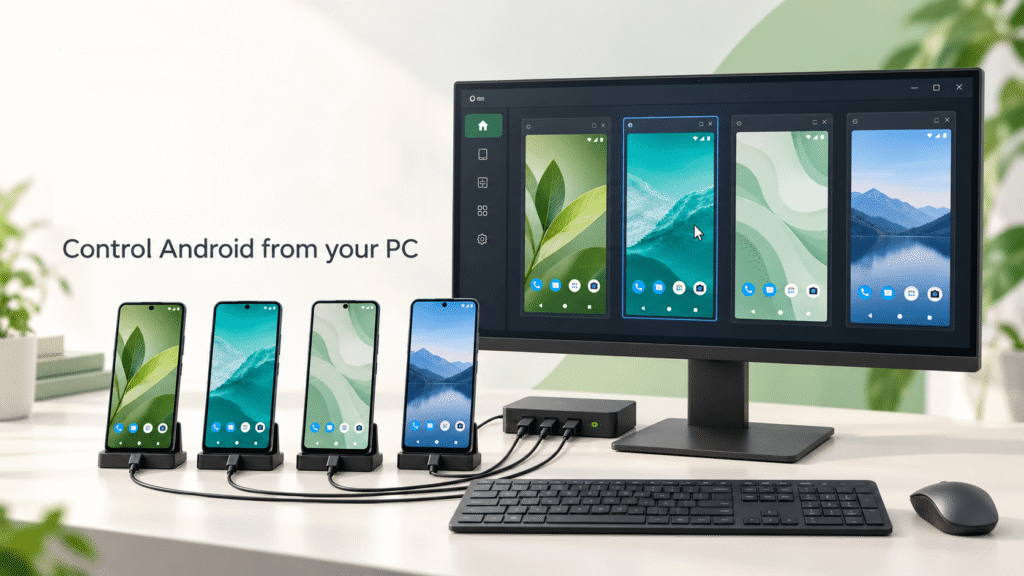
How to Batch Control Multiple Android Phones from One PC

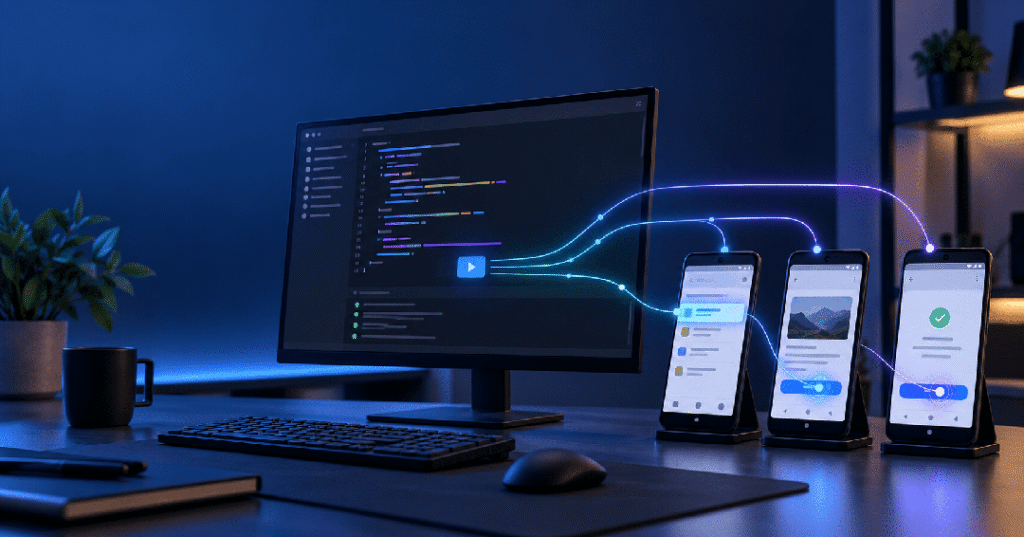
Batch controlling multiple Android phones means connecting several physical Android devices to one Windows computer and operating them from a centralized interface. Instead of handling every phone separately, you can select a group of devices and synchronize mouse clicks, keyboard input, shortcuts, file transfers, or automated scripts across them. This…

Total Control

Images & Texts

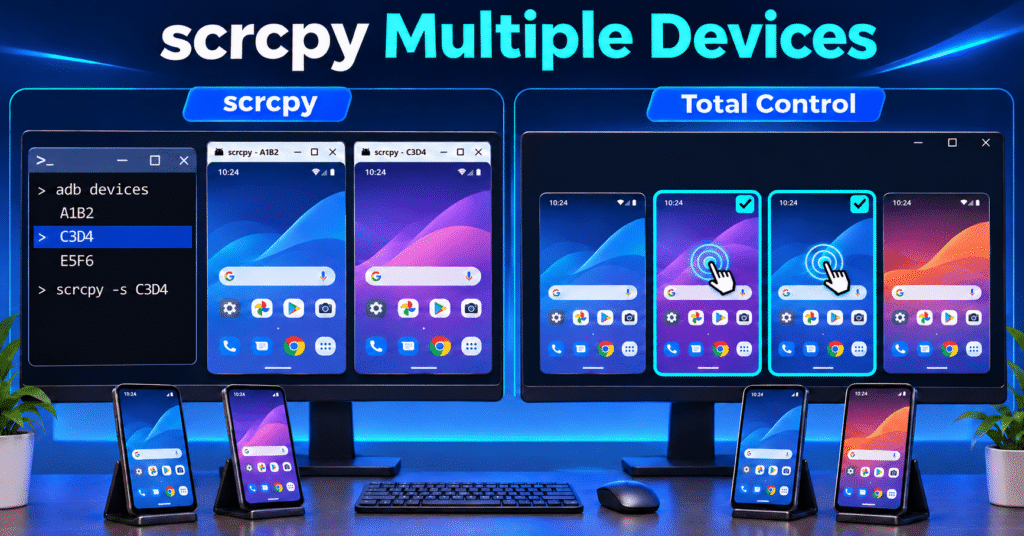
Scrcpy Multiple Devices: How to Control Multiple Android Devices on Windows

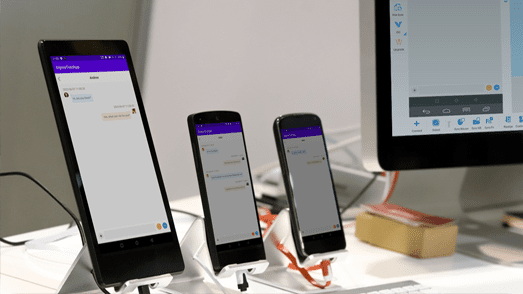
To select a specific device in scrcpy, run adb devices, copy the target phone’s identifier, and launch scrcpy -s DEVICE_SERIAL. To control several phones, open a separate scrcpy session for each identifier. This guide starts with device selection, then shows multiple windows and Total Control’s visual selection and group-control workflow.…

Total Control