Company Blog

Technical Insights · Product Updates · Industry News

Images & Texts

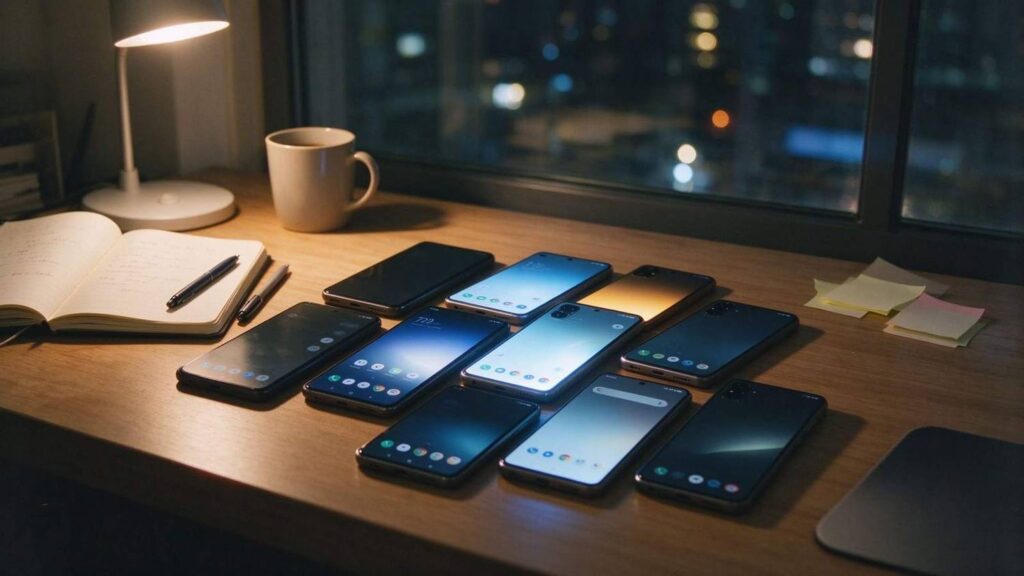
Nine test devices, one script

A team of four, shipping a paid app and a free build, with a support inbox that fills up whenever a mid-range phone gets a firmware update. The device matrix is usually whatever could be bought over time: one flagship, four mid-range, two cheap, one phone a customer complained about,…
Total Control

Images & Texts

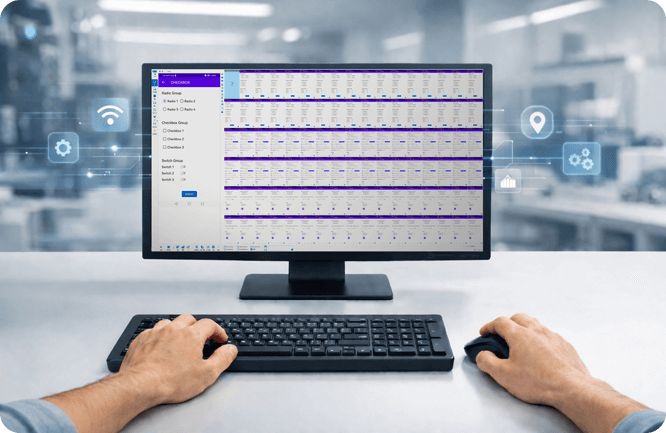
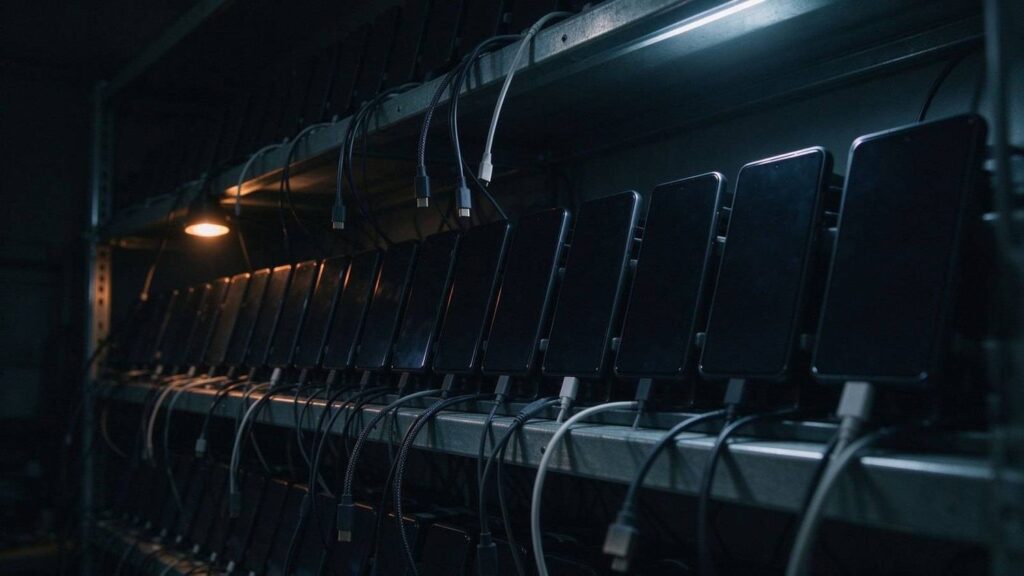
Thirty handsets, one script

A pallet arrives each quarter. New models, four or five screen sizes, three price tiers, firmware nobody outside the OEM has touched yet. The acceptance flow has to run on all of them before anything ships. The phones rarely cause the delay. The scripts do. The tap doesn’t fail. It…

Total Control

Images & Texts

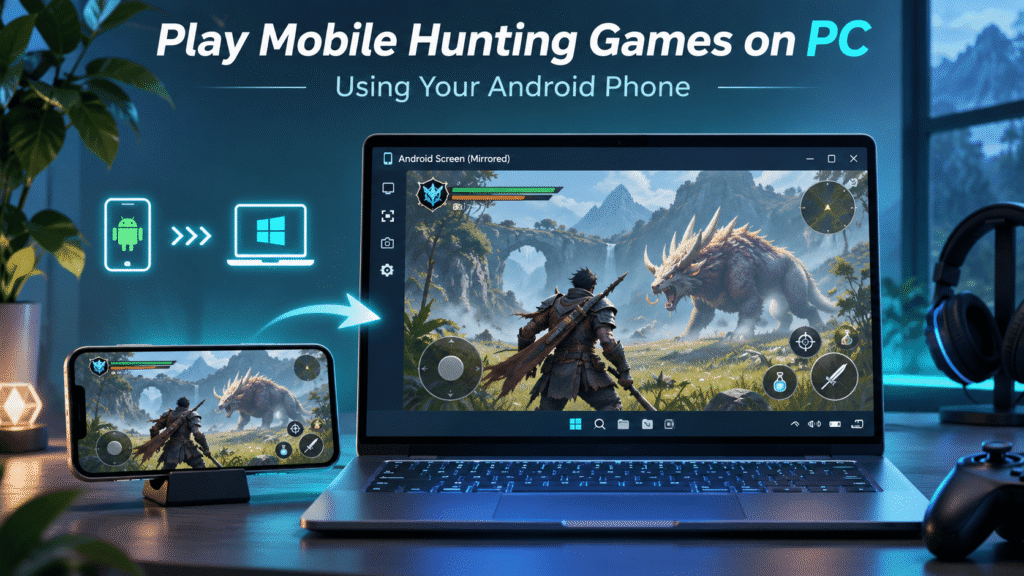
How to Play Monster Hunter Outlanders on PC Using Your Android Phone

To play Monster Hunter Outlanders on a PC screen without an emulator, you can run the game on your Android phone and mirror its screen to Windows. Your phone still runs the game; the computer provides a larger display and, with compatible software, another way to control it. Players have…

TC Games

Images & Texts

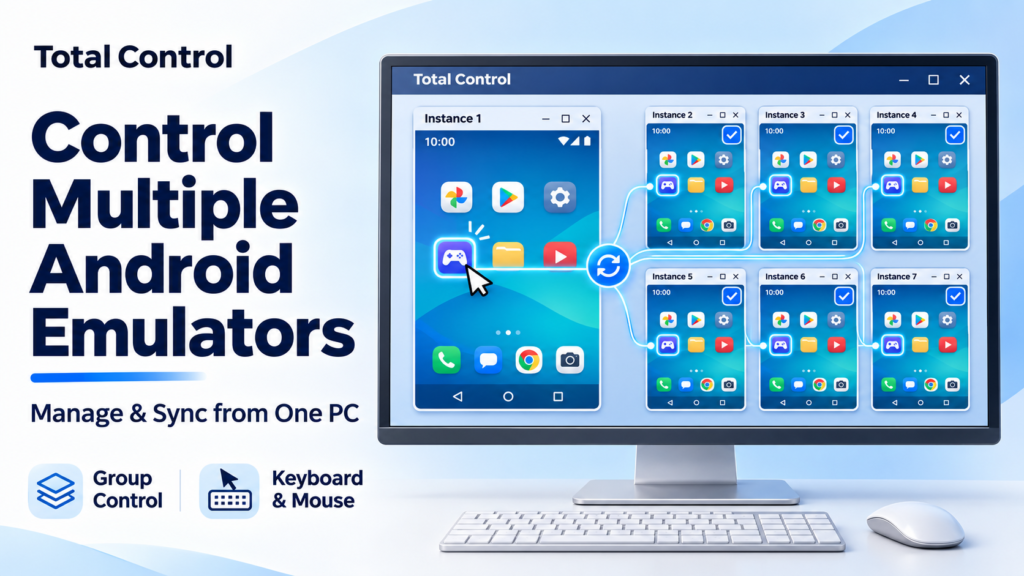
How to Control Multiple Android Emulator Instances from One PC

To control multiple Android emulators from one PC, you can connect supported instances to Total Control, view them in Multi-Device Control Center, and synchronize mouse or keyboard input to selected instances. Your emulator continues running the Android environments, while Total Control gives you a shared workspace for operating them. This…

Total Control

Images & Texts

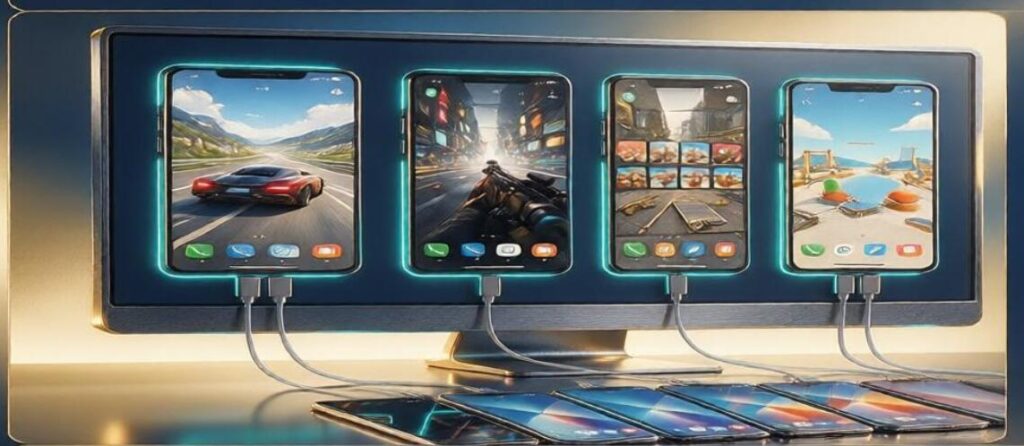
Emulators Banned? Try TC Games for Multi-Device Screen Mirroring and Management

If you need to manage multiple mobile game accounts simultaneously, the multi-device screen mirroring feature in TC Games is highly practical. You can connect several Android phones to a single computer, with each device appearing in its own independent, controllable window. Many users are unsure how to arrange these windows…

TC Games

Images & Texts

Phone Link Alternative for Controlling Multiple Android Phones

Microsoft Phone Link is convenient when you want to access a supported Android phone from Windows. It can display notifications, messages, photos, supported Android apps, and Phone Screen features, while allowing mouse and keyboard interaction on compatible devices. But users searching for a Phone Link alternative often have a different…

Total Control

Images & Texts

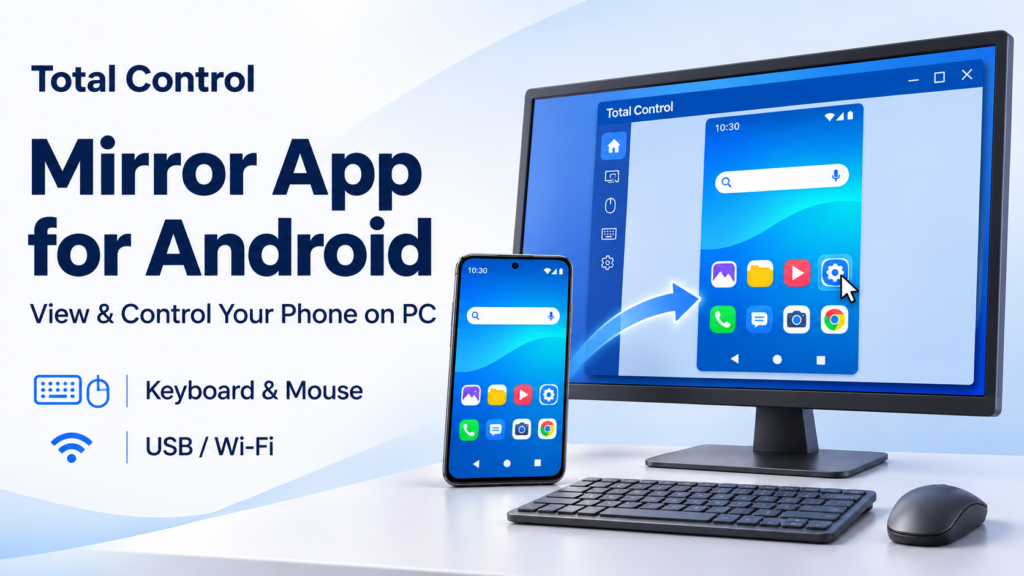
Mirror App for Android: View and Control Your Phone on PC

Looking for a mirror app for Android that lets you work from your computer? Total Control displays your Android phone on a Windows PC and lets you operate it with a mouse and keyboard. You can open mobile apps, enter text, and keep your phone screen beside your desktop work.…

Total Control

Images & Texts

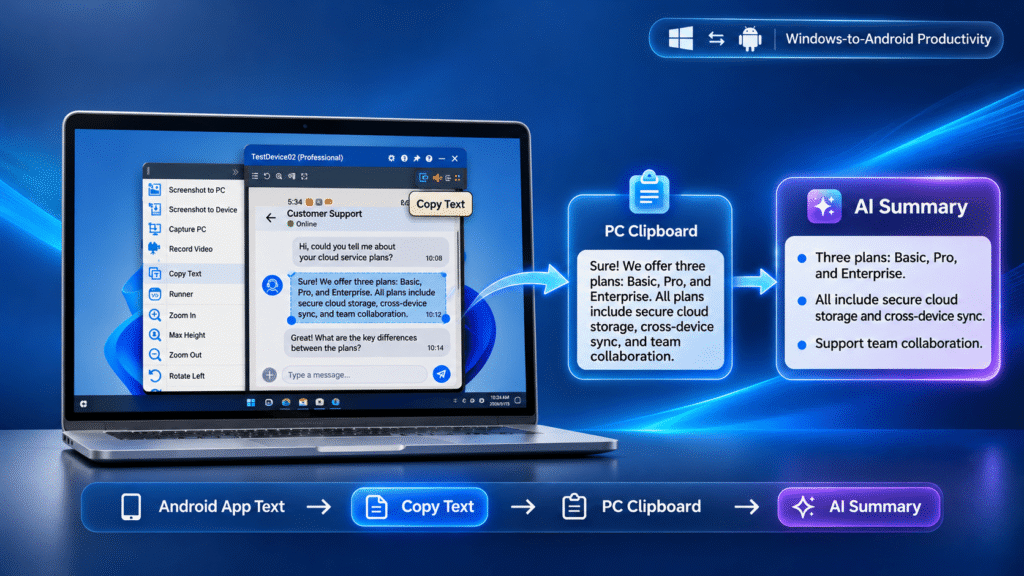
How to Copy Text from Android Apps to Your PC for AI Summaries

If you need to copy text from Android apps and work with it on a PC, the basic workflow is simple: get the text into the Windows clipboard, then paste it into your notes, documents, search tools, or an AI assistant for summarization. The difficult part is that Android apps…

Total Control

Images & Texts

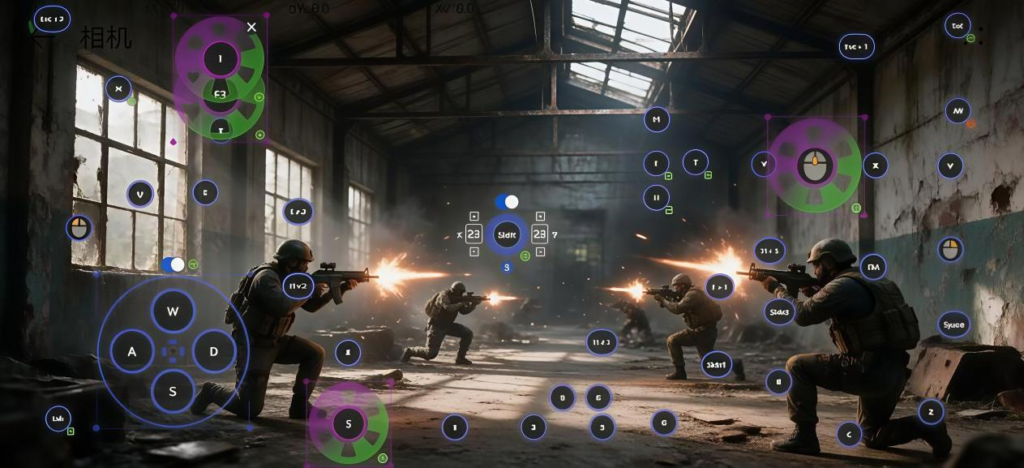
A Comprehensive Guide to Key Mapping in TC Games: Presets, Custom Keybinds, and Macros

Keyboard and mouse control is a core highlight of TC Games. While many users simply apply default key presets, they often overlook advanced features like custom keybinds and macros—tools that can significantly elevate your gameplay experience. This guide provides a complete breakdown of these key-mapping functions. One-Click Preset Import: Effortless…

TC Games

Images & Texts

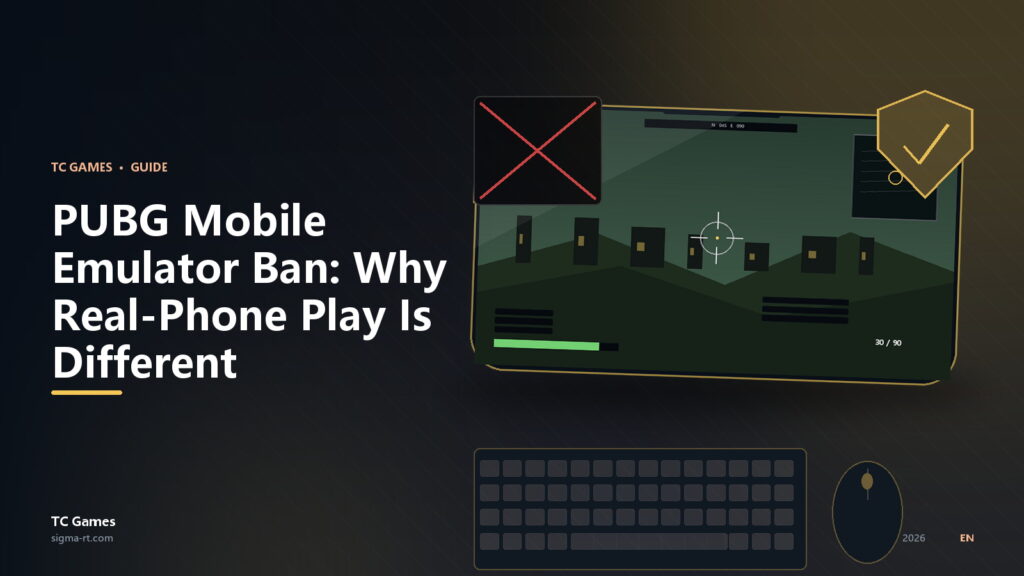
PUBG Mobile Emulator Ban: Why Real-Phone Play Is Different

PUBG Mobile Emulator Ban: Why Real-Phone Play Is Different If you have searched “PUBG Mobile emulator ban,” you are probably in one of three situations: You played on an emulator and got a warning, a restriction, or a matchmaking change. You want keyboard and mouse, but you do not want…

TC Games

Images & Texts

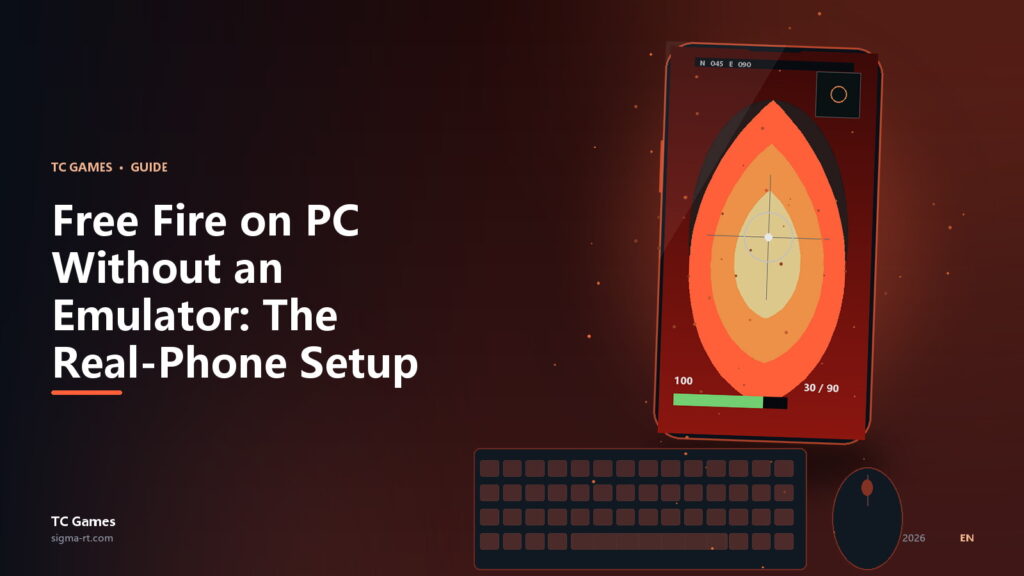
Free Fire on PC Without an Emulator: The Real-Phone Setup

Free Fire on PC Without an Emulator: The Real-Phone Setup Free Fire runs well on cheap phones. That is the point of the game. So why would you install a heavy Android emulator on your PC just to play it on a bigger screen? You do not have to. The…

TC Games

Images & Texts

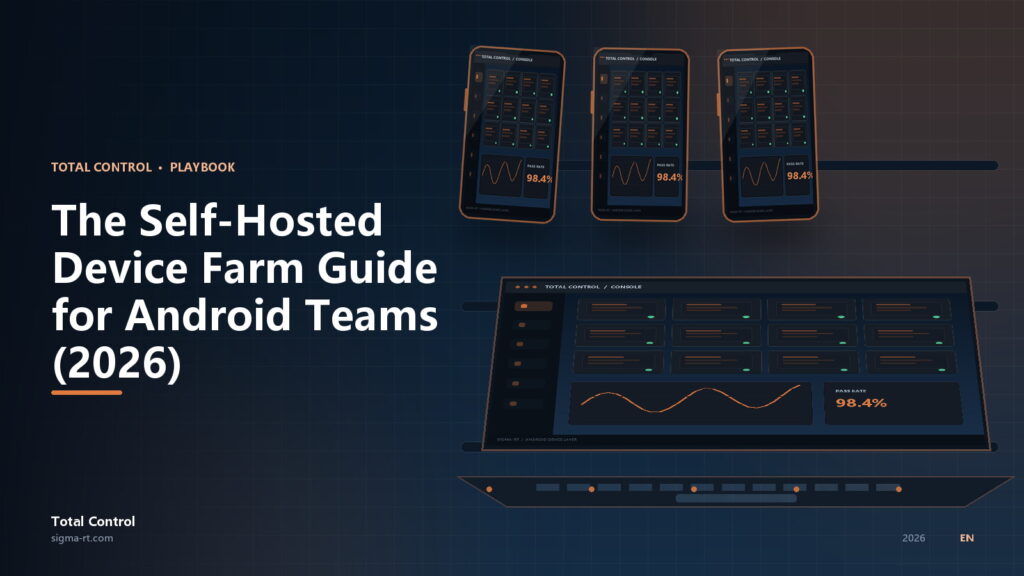
The Self-Hosted Device Farm Guide for Android Teams (2026)

The Self-Hosted Device Farm Guide for Android Teams (2026) A QA lead I spoke to had 42 Android phones in a cabinet and a five-figure annual bill for a cloud device farm. Her team ran the same regression suite every night on roughly 20 of those phones. The cloud bill…

Total Control