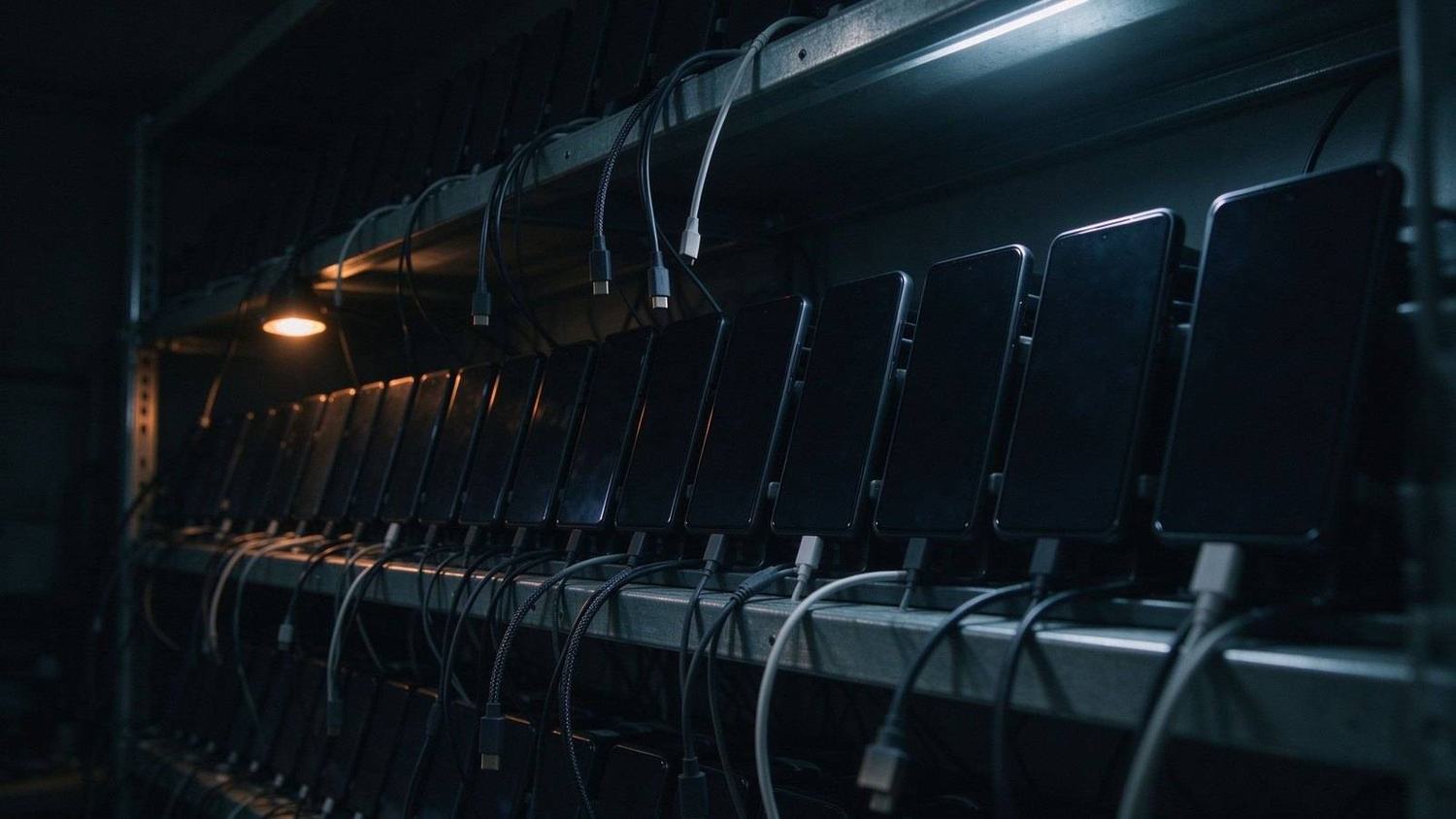
A pallet arrives each quarter. New models, four or five screen sizes, three price tiers, firmware nobody outside the OEM has touched yet. The acceptance flow has to run on all of them before anything ships.
The phones rarely cause the delay. The scripts do.
The tap doesn’t fail. It just goes quiet.
A script that taps (540, 1180) keeps working until a handset puts the same button twelve pixels lower. Then it taps empty space, the app doesn’t move, and nothing throws an error. The run continues to the end and the last assertion fails on a screen the script was never supposed to reach.
Proportional coordinates fix the resolution problem and break on aspect ratios. Density-independent units survive the aspect ratio problem, then fail on the model whose status bar is forty pixels taller than the batch before it, or the vendor that moved the navigation bar to the side.
Most labs that reach this point are already on some version of the same stack: adb shell input tap loops fired off from a shell script, an Appium suite whose touch actions carry absolute offsets, and a UIAutomator dump that somebody reads node by node when a screen refuses to cooperate. None of that stack is wrong. What it costs is calendar time — a firmware drop, a week of late nights re-checking numbers across the rack, and an acceptance run that starts late every time.
Re-mapping taps runs about twenty minutes per device per build. Thirty devices, ten hours, every build. None of it is testing.
Query the node
Total Control’s scripting layer addresses UI nodes instead of pixels. A query is built from text, resource ID, class name, content description, or a boolean property such as clickable, joined with &&:
device.sendAai({query: “R:.btn_continue&&BP:clickable”, action: “click”})
device.sendAai({query: “T:Storage&&OX:1”, action: “getText”})
The device resolves the node’s position at runtime. 720p panel, 1440p panel, same script.
Relative addressing is what holds up. OX:1 and OY:1 step from a label to its neighbour, and that spatial relationship survives layout changes that break any coordinate. VG:2 scopes a query to one view group, which is what list rows need when the product name and the price are two nodes a few pixels apart. scrollIntoView brings off-screen nodes into range instead of hardcoding a swipe distance that overshoots on tall screens.
Configuring a flow this way takes longer than writing taps on device one. By device thirty it takes about fifteen minutes, because nothing needs adjusting.
The whole rack at once
devices.sendAai({query: “T:Continue”, action: “click”})
One call, one group, results returned per device rather than merged. Three failures show up as three devices with their individual errors.
Object mode covers the exploratory case: an engineer taps a control on the master device, the system sends that control’s unique query to the rest of the group, and each device finds the same node and acts on it. Different resolutions, same logical button. For unfamiliar firmware, performing the flow once beats writing a script for it.
Keeping a physical rack is also the answer for labs a cloud device farm doesn’t fit: builds under NDA, vendor firmware that never leaves the building, and a per-device-hour bill that grows with every regression pass.
Limits worth knowing before the demo
This runs on Android’s accessibility layer:
· Portrait only. Landscape isn’t supported yet.
· WebView and custom-rendered surfaces usually return nothing. Many games, and apps like Facebook or YouTube, give very few usable nodes. Confirm with UI Explorer before building a flow around a screen. If the nodes aren’t there, the fallback is image comparison or OCR, and that changes what you can claim in the report.
· One entry point at a time. Object mode, terminal scripts, UI Explorer and the REST API block each other. Runs have to be scheduled sequentially.
· Five second default timeout. Slow cold starts on old hardware need explicit waits. sleep, openApp and scrollIntoView are exempt.
Not a test platform
No case library, no run history worth querying, no defect handoff, no scheduling no retries. That stays in whatever tooling the lab already has. What gets replaced is the execution layer — the part that eats a technician’s day per build.
Three devices and one build a quarter: coordinate scripts are fine, this is overhead.
Thirty units with weekly firmware churn: the twenty minutes per device per build is a real line item, and it’s the one worth deleting.
Two devices are enough to settle it. The free edition connects both: one high-resolution unit, one cheap handset from the rack, same flow, no edits.