Company Blog

Technical Insights · Product Updates · Industry News

Images & Texts

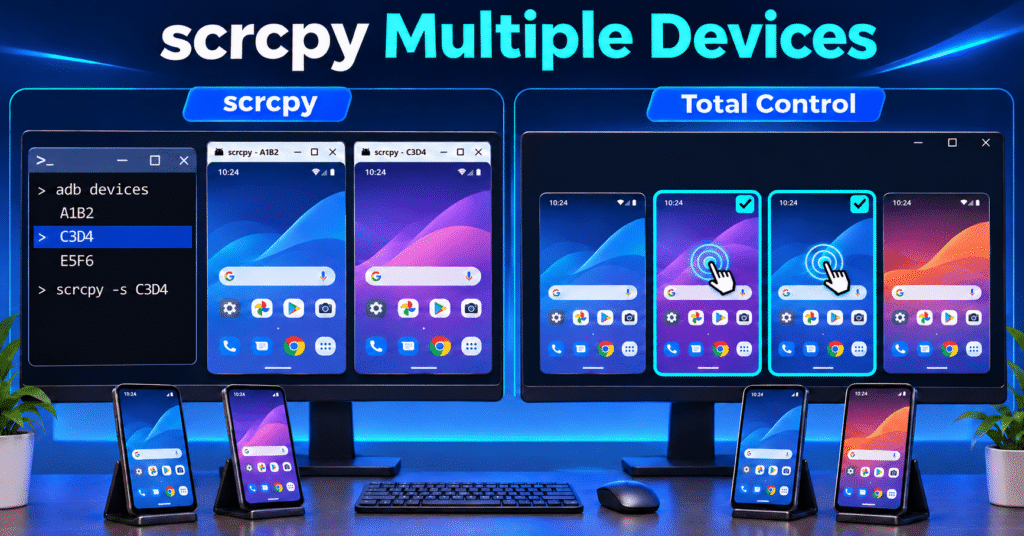
Scrcpy Multiple Devices: How to Control Multiple Android Devices on Windows

To select a specific device in scrcpy, run adb devices, copy the target phone’s identifier, and launch scrcpy -s DEVICE_SERIAL. To control several phones, open a separate scrcpy session for each identifier. This guide starts with device selection, then shows multiple windows and Total Control’s visual selection and group-control workflow.…
Total Control

Images & Texts

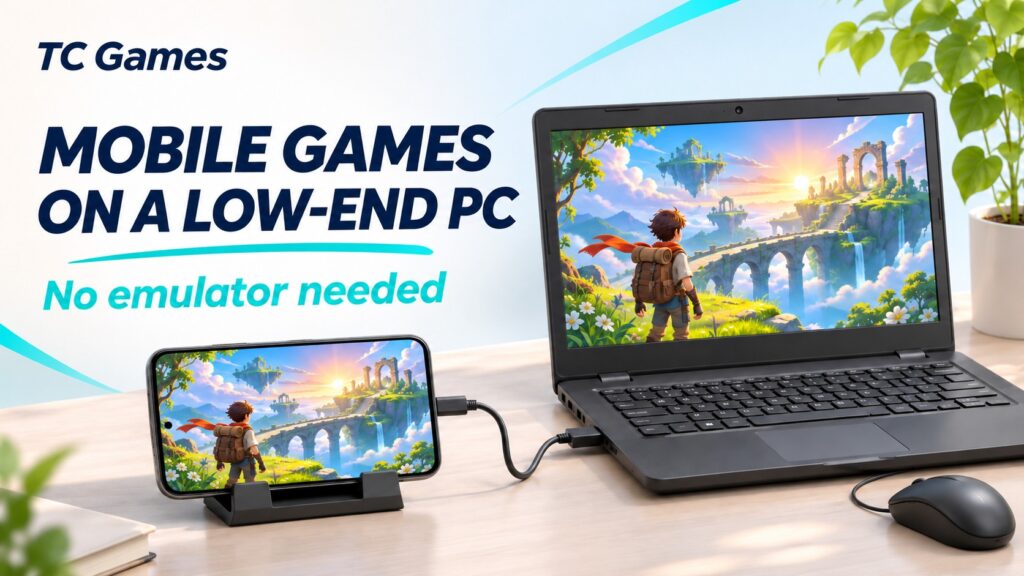
How to Play Mobile Games on a Low End PC Without an Emulator

If your Android phone runs a game comfortably but your laptop struggles with an emulator, you may already have the hardware you need for a larger screen. One way to play mobile games on a low end PC is to let your phone run the game and use the computer to…

TC Games

Images & Texts

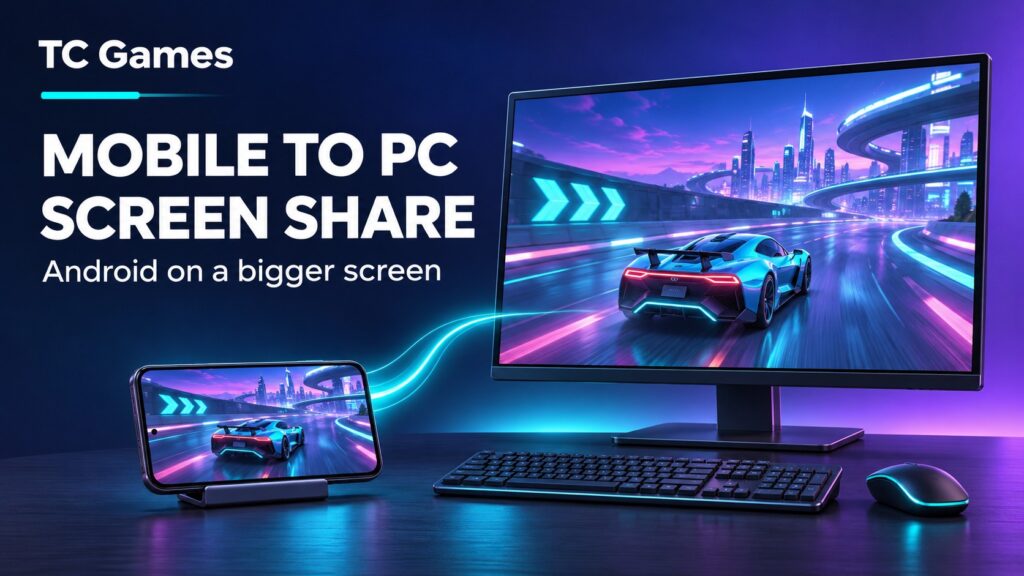
Mobile to PC Screen Share for Android with TC Games

A mobile to PC screen share setup lets you bring the Android screen you already use onto a larger Windows display. You can follow a game more comfortably, show an app to someone beside you, or work with mobile content while sitting at your computer. TC Games connects your real…

TC Games

Images & Texts

Saints Row: The Third on Android: How to Play on a PC Screen

Saints Row: The Third Remastered is available on Android, following its mobile release on October 29, 2026. The Android version includes customizable touch controls and native support for gamepads, keyboards, and mice. You do not need a mapping tool simply to unlock those input options. The reason to consider TC…

TC Games

Images & Texts

How to Play Absolum Mobile on PC Using Your Android Phone

There are several ways to play Absolum mobile on PC, and they do not all involve screen mirroring. Playdigious released the mobile edition on November 5, 2026, with support for Google Play Games on PC and shared progress through the same Google Play Games account. A separate PC edition is…

TC Games

Images & Texts

Advanced Settings for Playing Mobile Games on PC: A Guide to Optimizing Screen Mirroring

When using TC Games for screen mirroring, some users experience blurry visuals and significant motion blur, while others enjoy a crisp, fluid experience. These differences usually stem from settings related to image quality, frame rate, and bitrate. Many users overlook these options; this guide will help you understand these parameters…

TC Games

Images & Texts

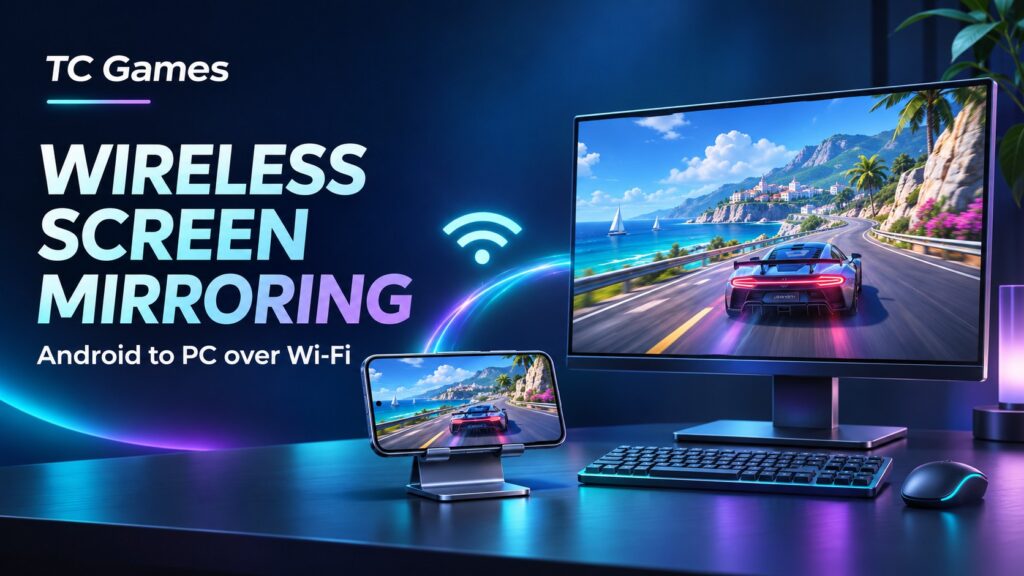
Wireless Screen Mirroring from Android to PC with TC Games

Wireless screen mirroring lets you view your Android phone on a Windows PC while keeping the phone free from a data cable during use. You can place it on a stand, use the larger display, and keep your keyboard and mouse within reach. TC Games combines Android screen mirroring with PC…

TC Games

Images & Texts

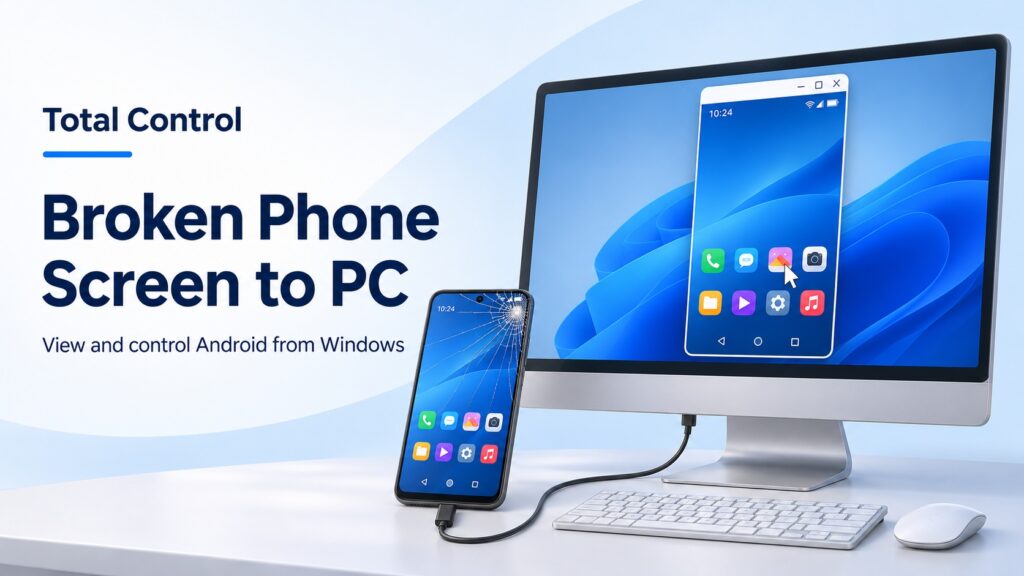
Broken Phone Screen to PC with Total Control

A cracked Android screen can make a simple task difficult: replying to a message, finding a document, or checking a delivery address. If the phone still works, moving those tasks to a Windows PC can help you keep using it while arranging a repair. Total Control provides Android screen mirroring and…

Total Control

Images & Texts

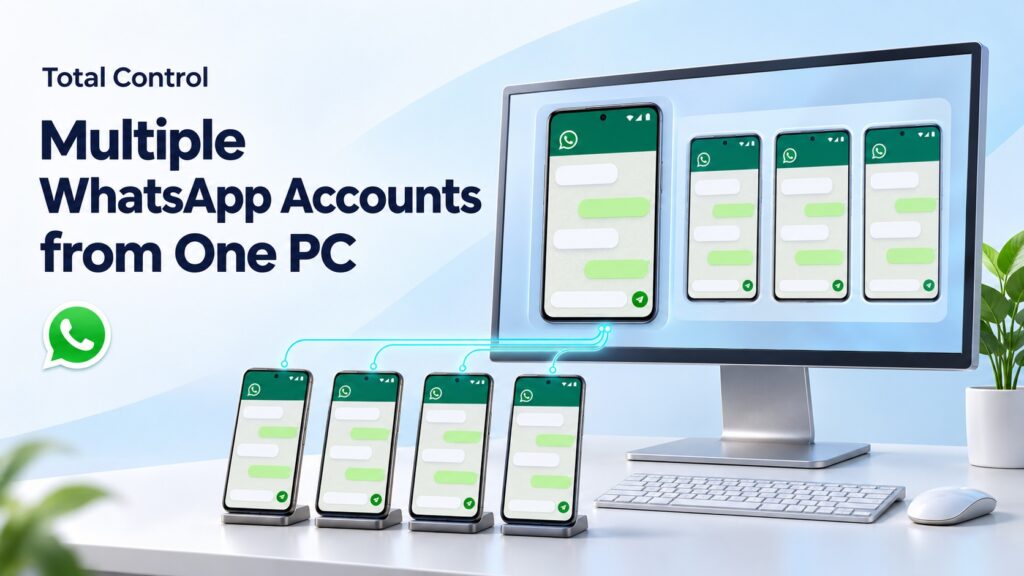
How to Manage Multiple WhatsApp Accounts from One PC

If your business uses multiple WhatsApp accounts on separate Android phones, Total Control lets you operate those phones from one Windows PC. You can view their screens, switch to the device you need, and type replies with your computer keyboard while each account remains in its own Android app. Consider…

Total Control

Images & Texts

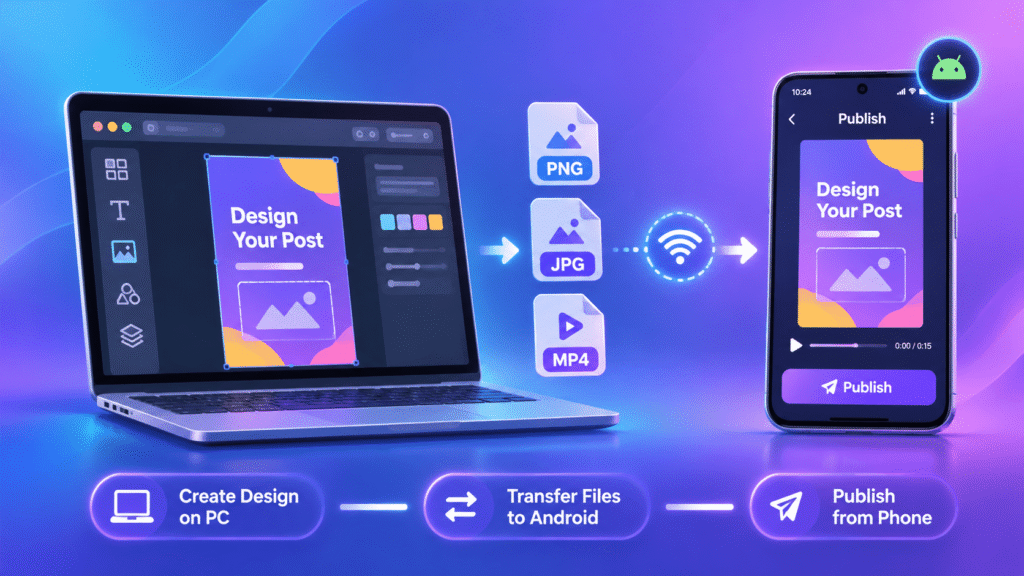
How to Transfer Canva Designs to Android and Publish from Your PC

To transfer Canva designs to your phone, export the finished design from Canva, copy the resulting file to Android, and preview it before opening your publishing app. Canva supports downloading designs in several formats, while Total Control provides Windows-to-Android file transfer and device control. The important part is choosing the…

Total Control

Images & Texts

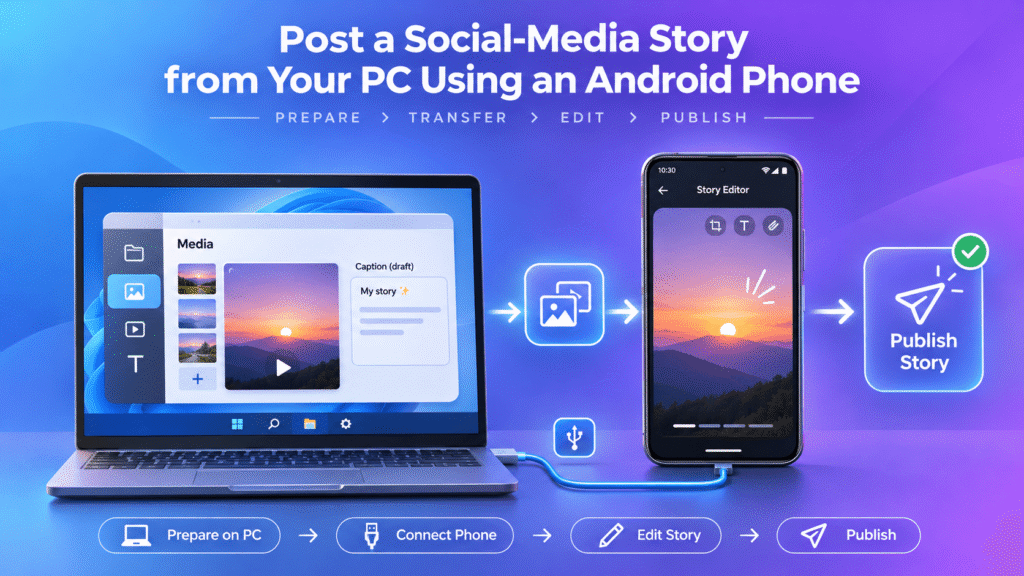
How to Post an Instagram Story from Your PC Using an Android Phone

To post an Instagram Story from your PC using an Android phone, prepare the media on Windows, transfer it to the phone, and operate the Android app from your computer. Total Control provides the device window, mouse and keyboard input, and file-transfer tools needed for this type of phone-assisted workflow.…

Total Control

Images & Texts

Pricing a twenty-device compatibility job

Twenty handsets, sixty flows, two weeks, pass rates reported per model. The rate card is the easy part. The labour multiplier is where the quote goes wrong. The old arithmetic Coordinate scripts, about four minutes per flow per device. Twenty devices, eighty minutes per flow. Sixty flows, eighty hours of…

Total Control