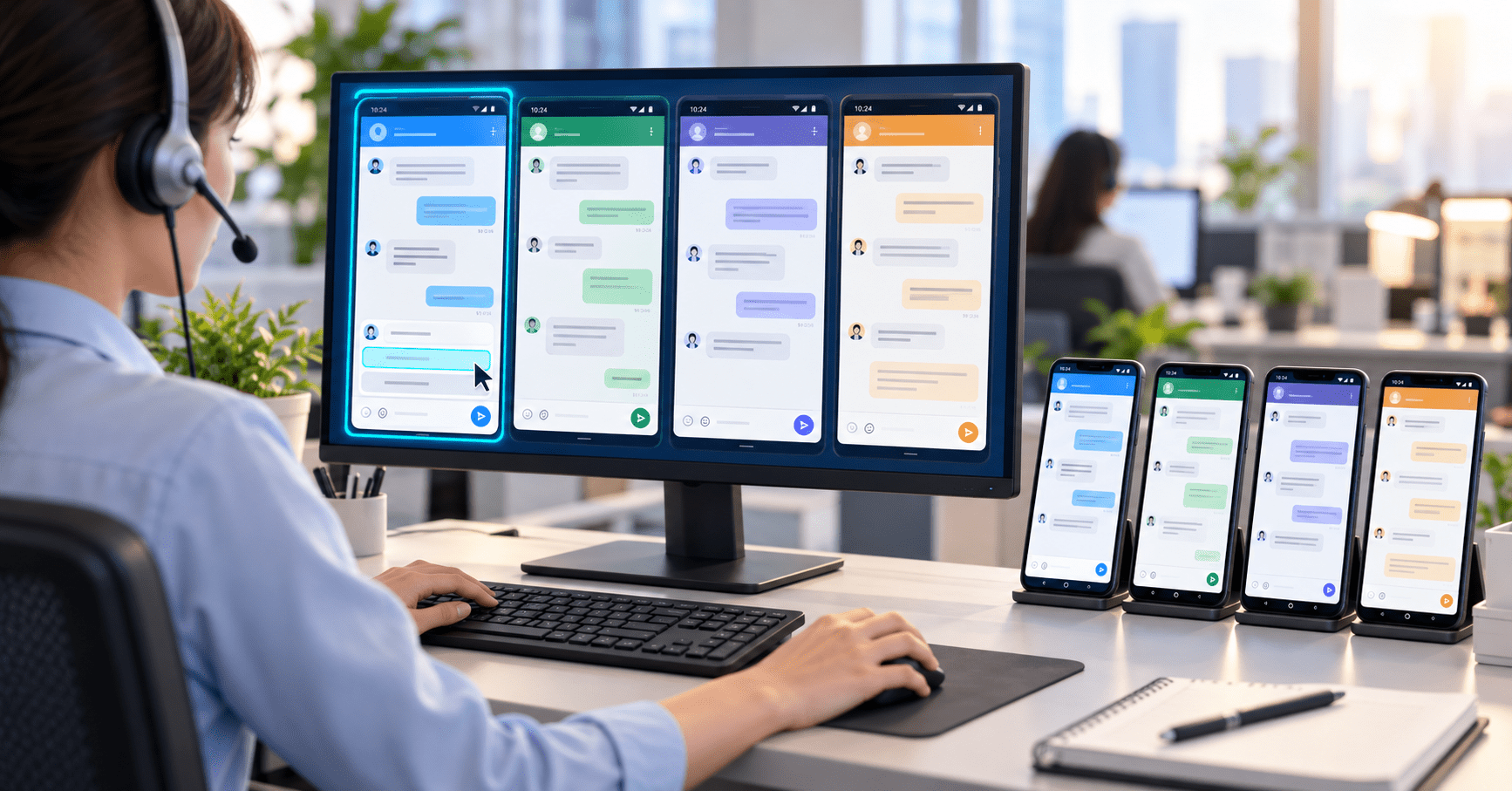
Over the past few years in online marketing, I built the business up in its early stage by acquiring customers at scale. To go further now, the focus has to shift to precision maintenance. Blunt mass messaging is no longer enough — one-on-one communication is the key to retaining customers and lifting conversion. At this point, being able to manage many phones from a single computer has become a must-have.
The tool I currently use is Total Control, developed by Chengdu Jiehua Technology. After downloading and installing it from the official website (https://www.sigma-rt.com/en/tc), you can connect a phone and start right away. The screenshot below shows the interface when a computer controls a single device — the mouse and keyboard operate the phone screen directly, with very low latency.
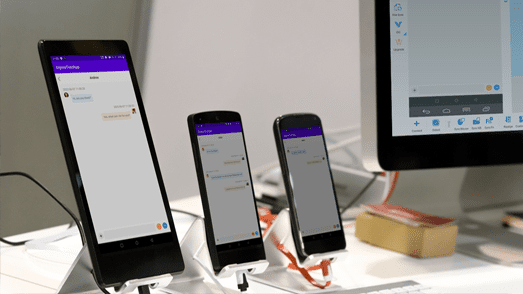
Figure 1. Controlling a single Android device from the PC.
What It Feels Like to Manage Many Devices at Once
What is genuinely useful is its Multi-Device Control Center (MDCC). I often have dozens of phones connected at the same time, mainly to run WeChat customer service. I can operate on the main screen while other devices are either mirrored in sync or controlled individually. The interface looks roughly like this:
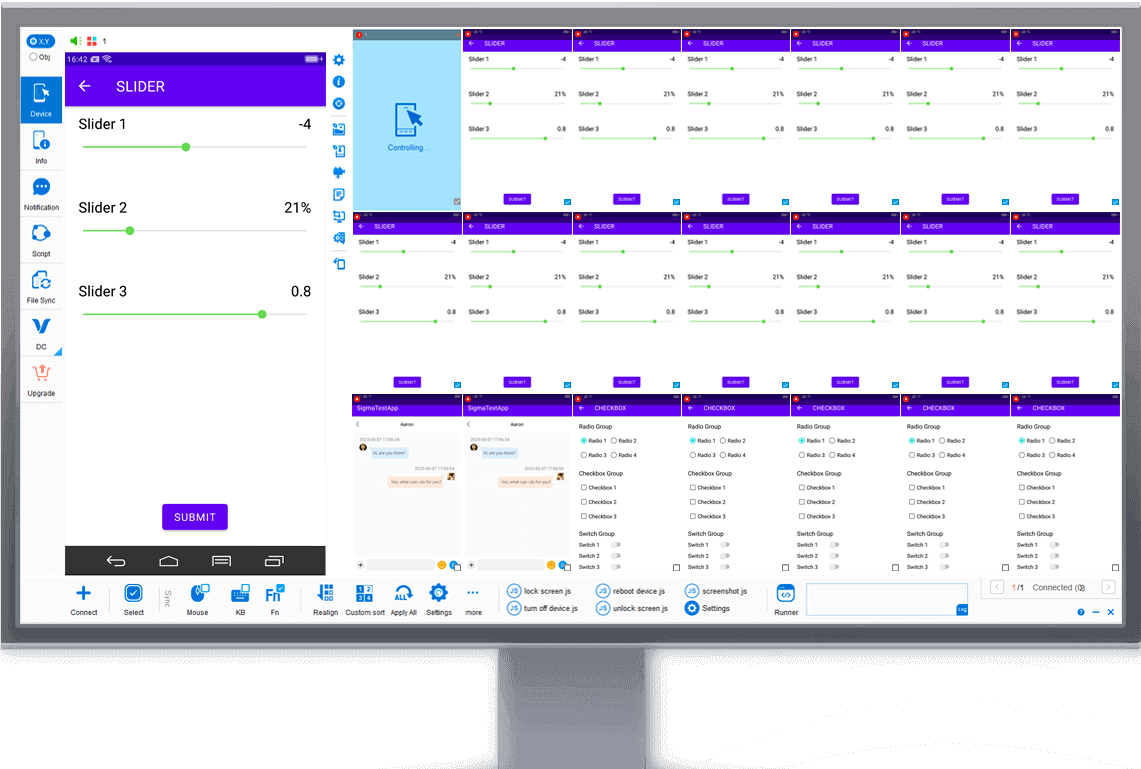
Figure 2. The Multi-Device Control Center (MDCC) managing dozens of devices in one view.
As long as the hardware keeps up, operations stay smooth with no noticeable lag even with a fairly large number of devices. For scenarios like mine — batch replies and segmented customer maintenance — the efficiency gain is very clear. The customers in WeChat are accumulated over the long term and can be followed up continuously, which feels far more solid than the temporary sessions of many traditional customer-service systems.
A Few Advantages in Real Use
1. You own your customer assets. WeChat friends are built up gradually by yourself, and you can tag and group them for long-term maintenance. Unlike some platform-based customer service, the resources do not reset to zero when a person leaves.
2. Stability and responsiveness. As long as the computer and hubs are reasonably configured, running many devices at the same time stays stable. The official documentation gives clear hardware recommendations, and following them basically avoids disconnections or lag.
3. Timely technical support. There tend to be more questions when you first get started with tool-type software. The official group and online support respond fairly quickly, and after some exploration on your own you can handle most situations independently.
4. Practical scripting capability. It supports JavaScript, REST API, and the relatively simple AAIS. No ready-made business scripts are provided, but the platform itself is complete, so you can write your own auxiliary operations. Repetitive actions such as batch browsing Moments or liking posts can save a lot of manual work.
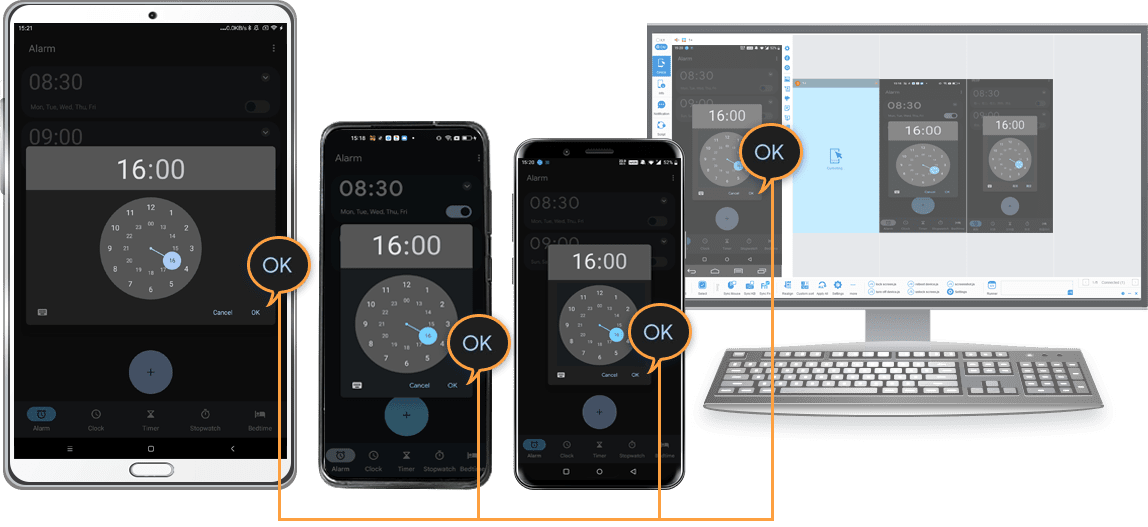
Figure 3. Scripting support for automating repetitive operations.
5. Relatively friendly pricing. The Lite version is free (for non-commercial use), while the Professional version and multi-device value-added services are annual subscriptions. The overall cost is considerably lower than many similar multi-control or customer-service systems, which is easy on teams that are just starting out or are still small.
Use Cases Beyond Customer Service
Besides WeChat customer service and precision marketing, some friends of mine also use it for mobile game studios, batch testing, or device management. The software positions itself as an Android real-device multi-control and automated testing platform. It supports both USB and network connections, requires no Root, and is compatible with mainstream Android versions.
Overall, the experience has been quite smooth, especially in scenarios where you need to manage multiple phones at once while keeping a real device environment. If you are also looking for a stable multi-device control tool, you can visit the official website to check the specific features and pricing, and download the Lite version for a first try.
Official website: https://www.sigma-rt.com/en/tc